Buying guide
Original vs Compatible Toner: What to Check Before Buying
By SaveICT Editorial · Last updated 25 October 2026 · Reviewed for 2026 pricing
Identify which version you are buying
An original cartridge is supplied under the equipment manufacturer's brand. A compatible cartridge is an alternative made for use with specified equipment. Check the listing's original or compatible designation, packaging and seller information; a compatible product should not be presented as a manufacturer-original cartridge.
Match both the cartridge and the machine
Copy the model from the current cartridge label and the full printer or photocopier model from the machine. Compare both against the product's compatibility specifications. A shared brand name or similar cartridge appearance is not enough to establish compatibility.
Compare cost with the yield conditions
Use the listed cartridge price and the stated page yield as a starting point for comparison. Check the coverage or test conditions attached to that yield. Actual printing patterns can differ, so do not treat a rated yield as a guarantee of the number of pages your office will print.
Confirm the order and support terms
Check the warranty terms for the particular product. Ask about compatibility assistance, delivery charges and the process for reporting a faulty item before placing an order. Keep the invoice and product packaging.
Products mentioned in this guide
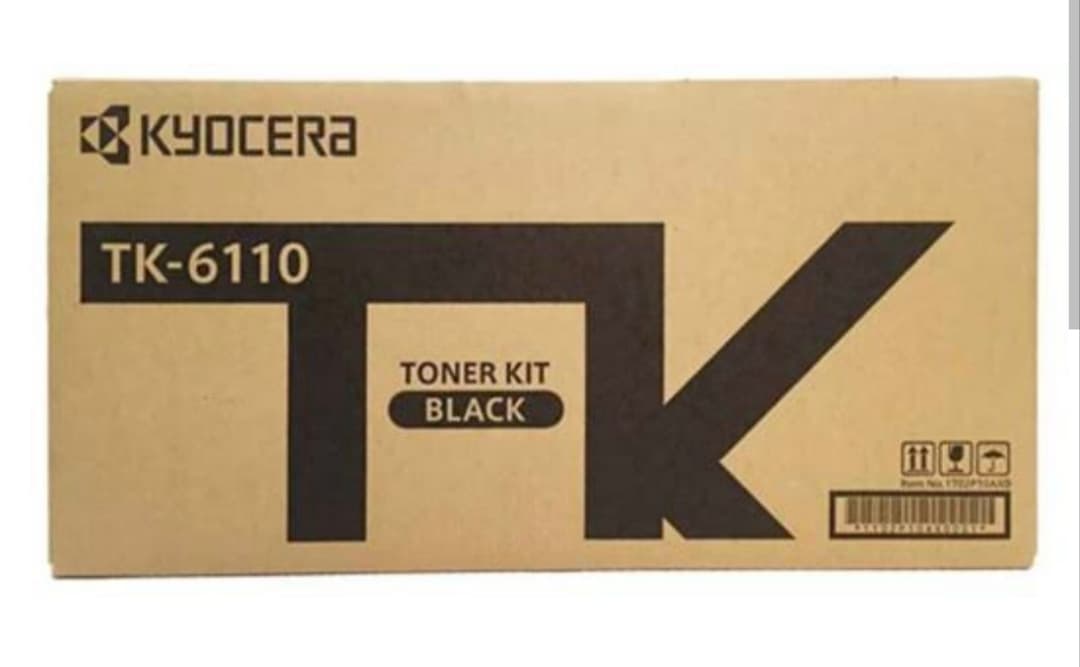
Kyocera TK-6110 Compatible Black Toner Cartridge
- Model: TK-6110
- Toner Brand: Compatible Cartridge
- Printing Color: Black
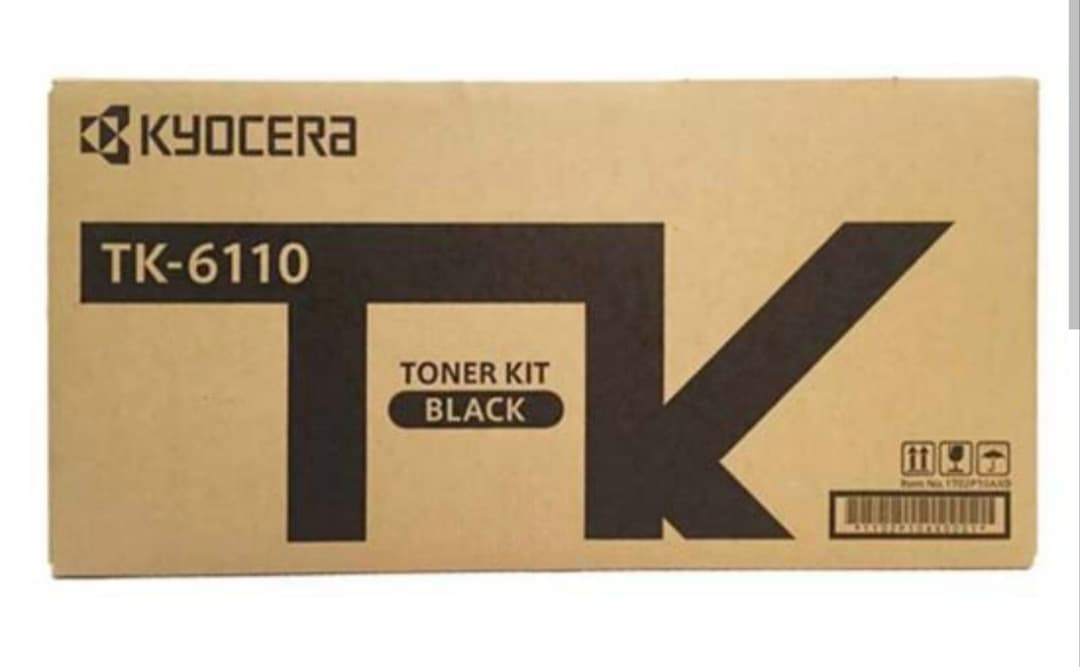
Kyocera TK-6110 Original Black Toner Kit
- Model: TK-6110
- Toner Brand: Original
- Printing Color: Black
Frequently asked questions
Yes. The product listings identify the version. Where both are available, use the alternative-edition link on the product page and compare the specifications and price.
Ready to buy with confidence?
Check live prices, verified stock, and official brand warranties.