Buying guide
How to Find the Correct Toner for Your Kyocera Machine
By SaveICT Editorial · Last updated 25 October 2026 · Reviewed for 2026 pricing
Start with the full machine model
Read the model label on the machine and copy the complete name, including letter suffixes. Keep a photograph of the label so the supplier can check the exact equipment rather than relying on an approximate model name.
Check the existing toner label
Record the cartridge or toner-kit model, including the TK prefix and all digits. Search the catalog by that model, then read the compatible machine list on the product page. Check the machine documentation or contact support if the label is missing or unclear.
Choose the version and quantity
Check whether the listing is for an original or compatible cartridge. Review its listed yield, included items, warranty details and stock status. Compare alternatives using the same model and stated test conditions.
Send a useful compatibility enquiry
Share the machine model, toner model, photographs of the labels and required quantity with SaveICT. Ask for confirmation of the exact item, final price and delivery arrangements before making payment.
Products mentioned in this guide
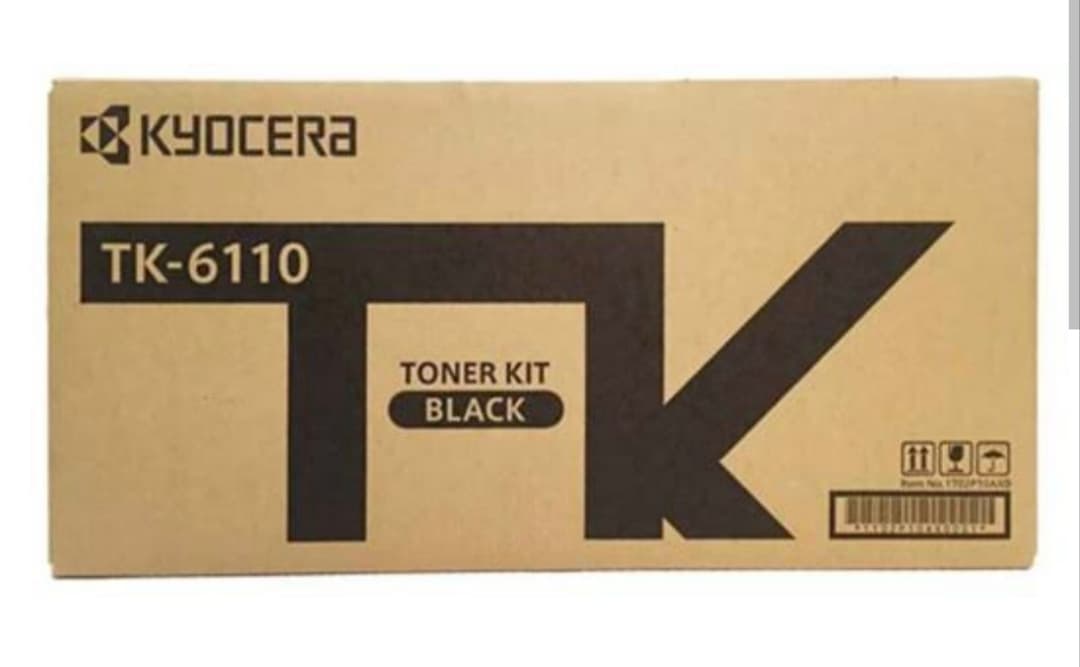
Kyocera TK-6110 Compatible Black Toner Cartridge
- Model: TK-6110
- Toner Brand: Compatible Cartridge
- Printing Color: Black
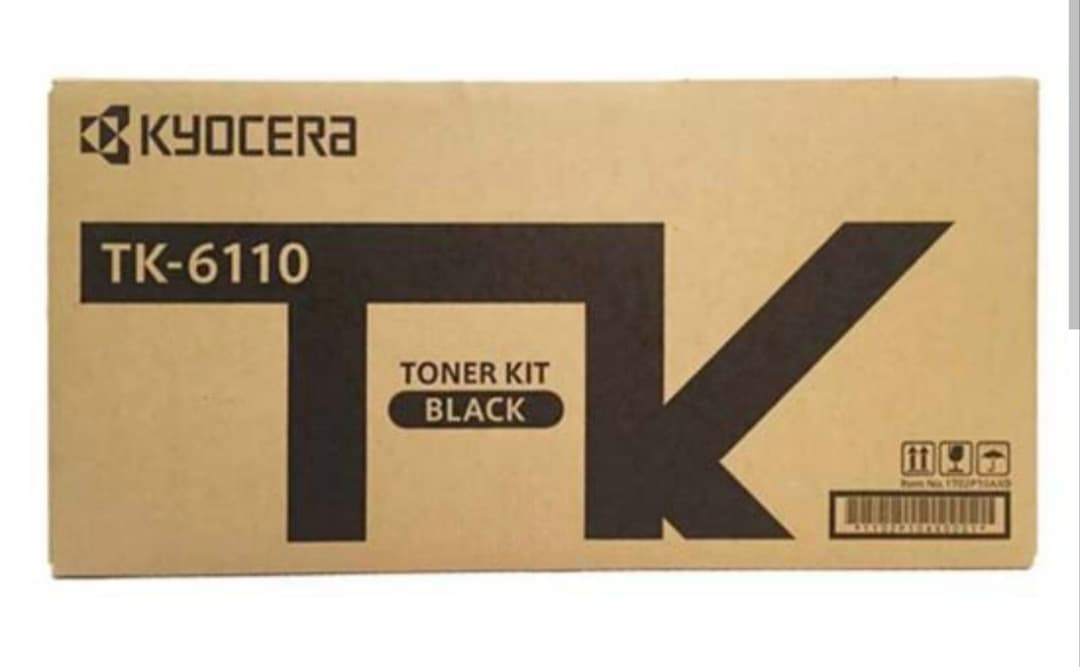
Kyocera TK-6110 Original Black Toner Kit
- Model: TK-6110
- Toner Brand: Original
- Printing Color: Black
Frequently asked questions
Send the complete machine model, cartridge model and photographs of the labels. Include your required quantity and whether you prefer an original or compatible supply.
Ready to buy with confidence?
Check live prices, verified stock, and official brand warranties.